Crop limit and blurred backdrop
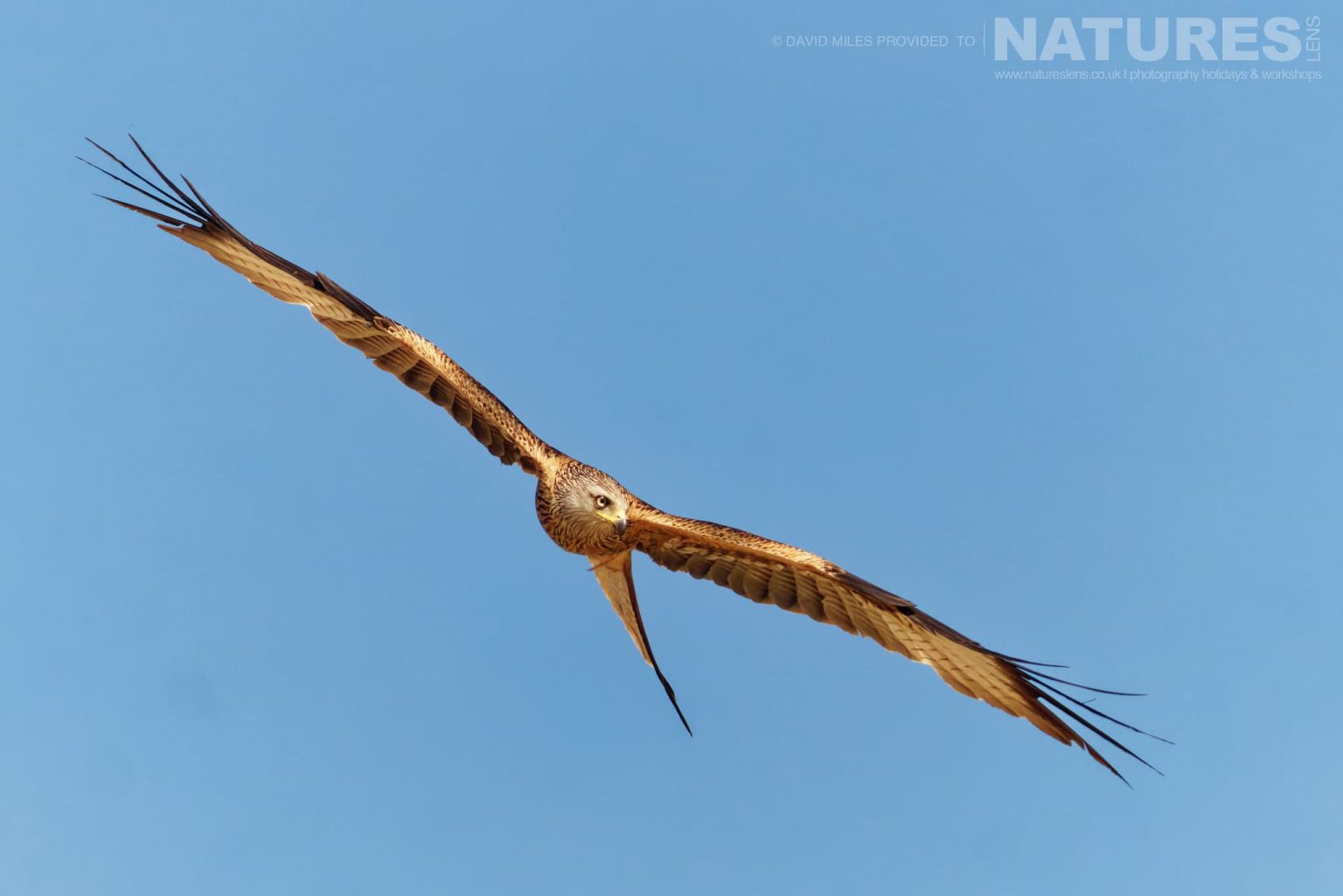
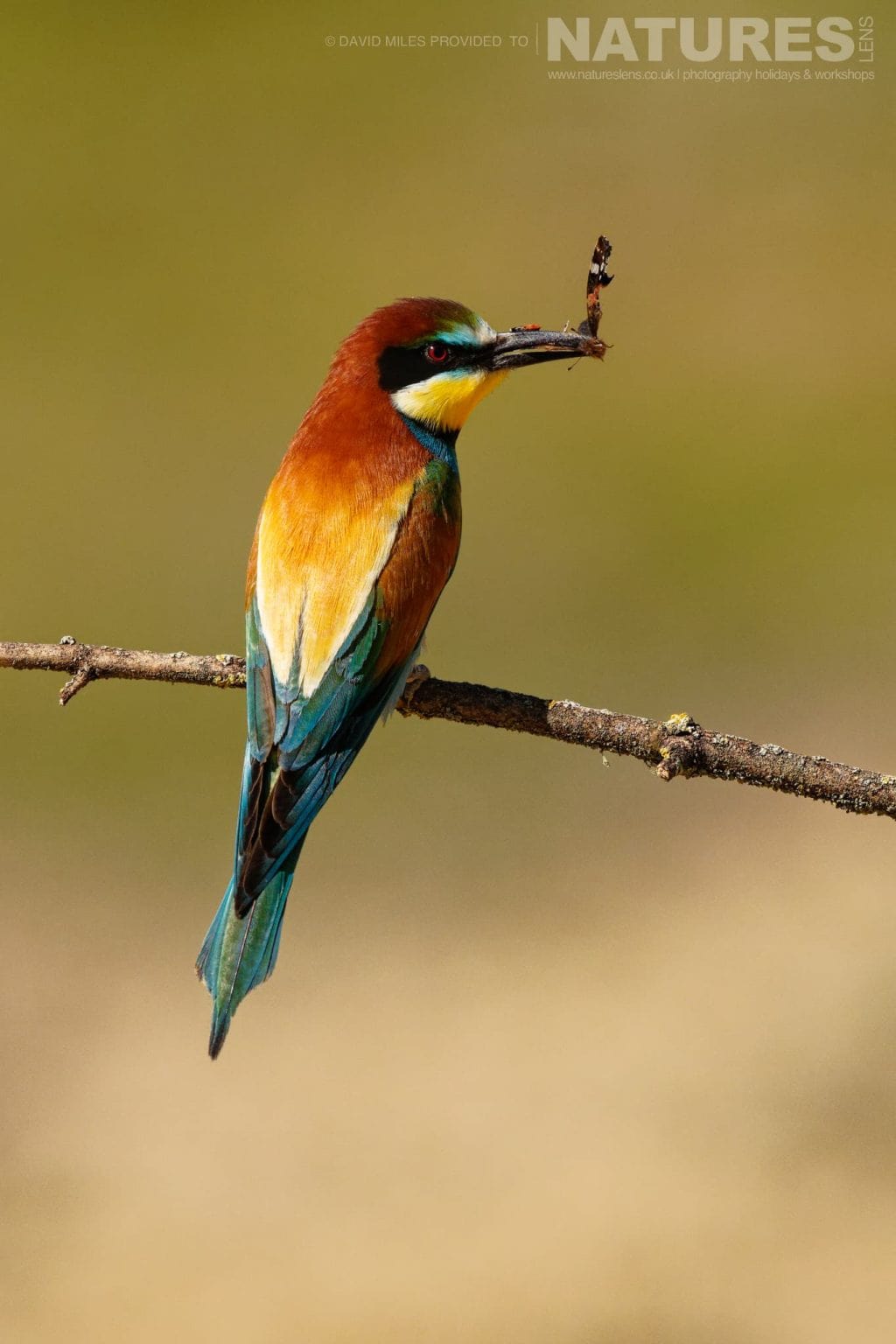
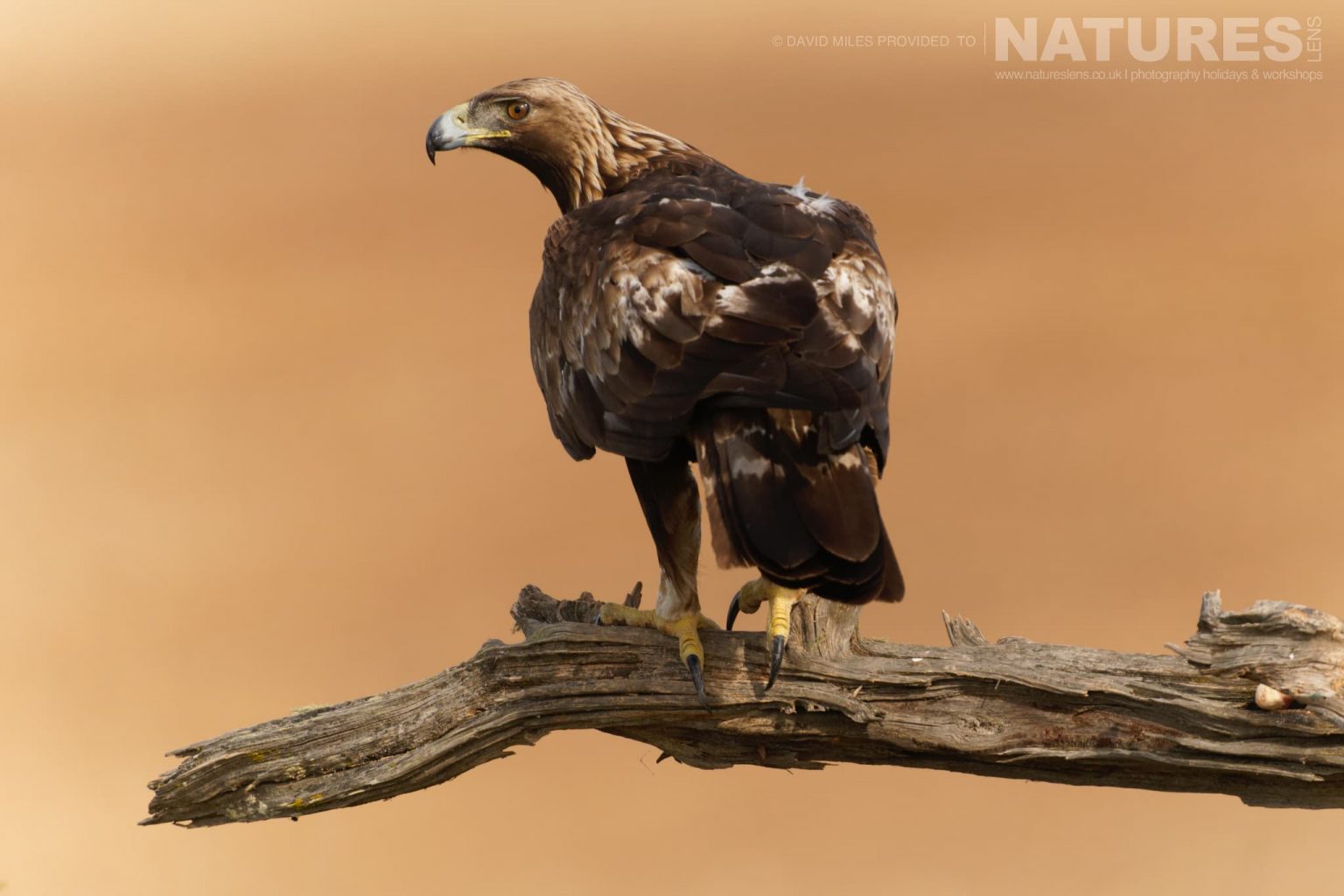
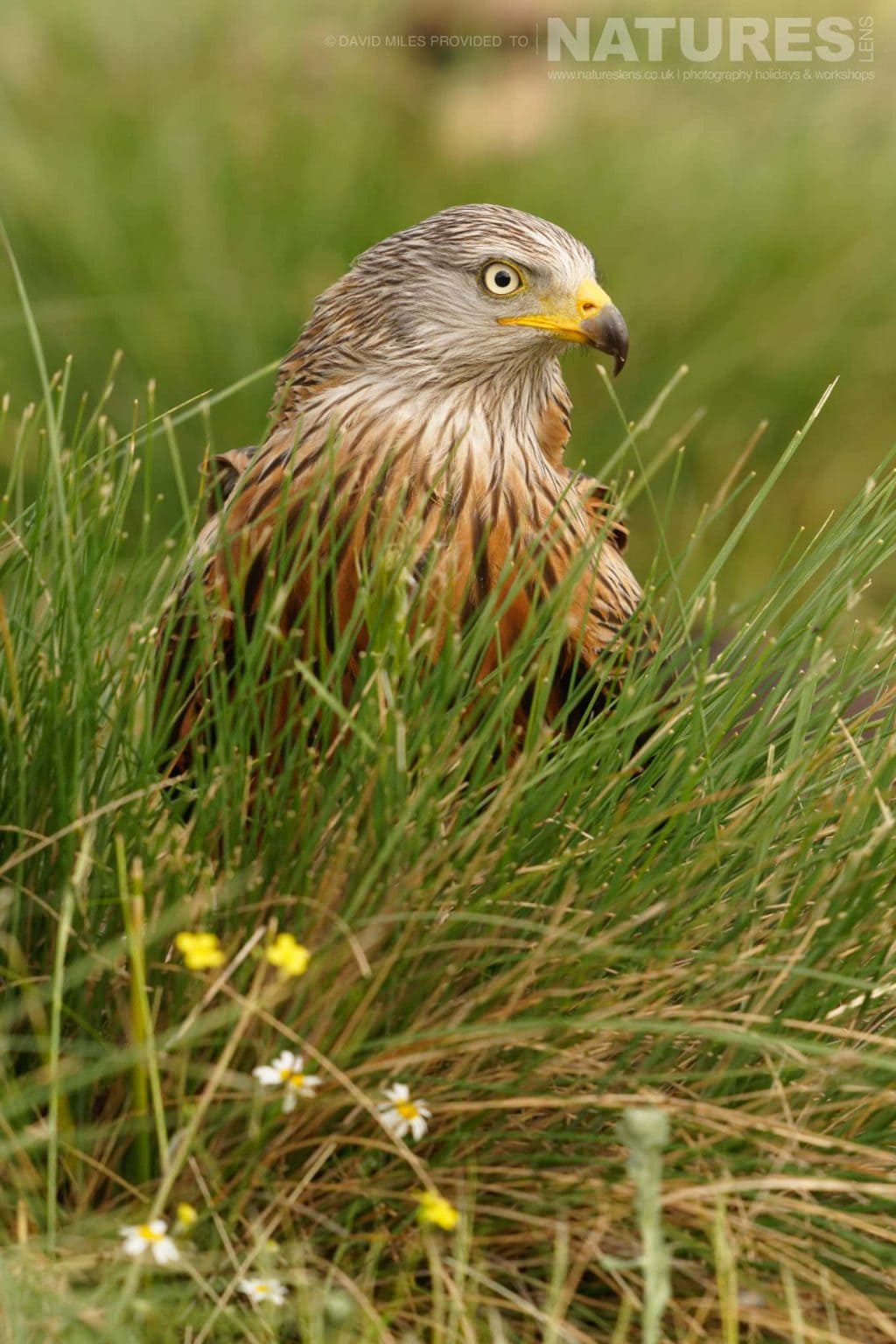
The uniform grid cuts every photo to one shape. When a photo would lose more than the crop limit (30 percent by default) it is shown whole instead. The loss is 1 minus the smaller of the two aspect ratios divided by the larger. The same six photos, three landscape and three portrait, are used in every gallery below.
Always crop to fill
Three columns at 3:2. Portraits lose more than half of the picture, so heads and tails are cut off.
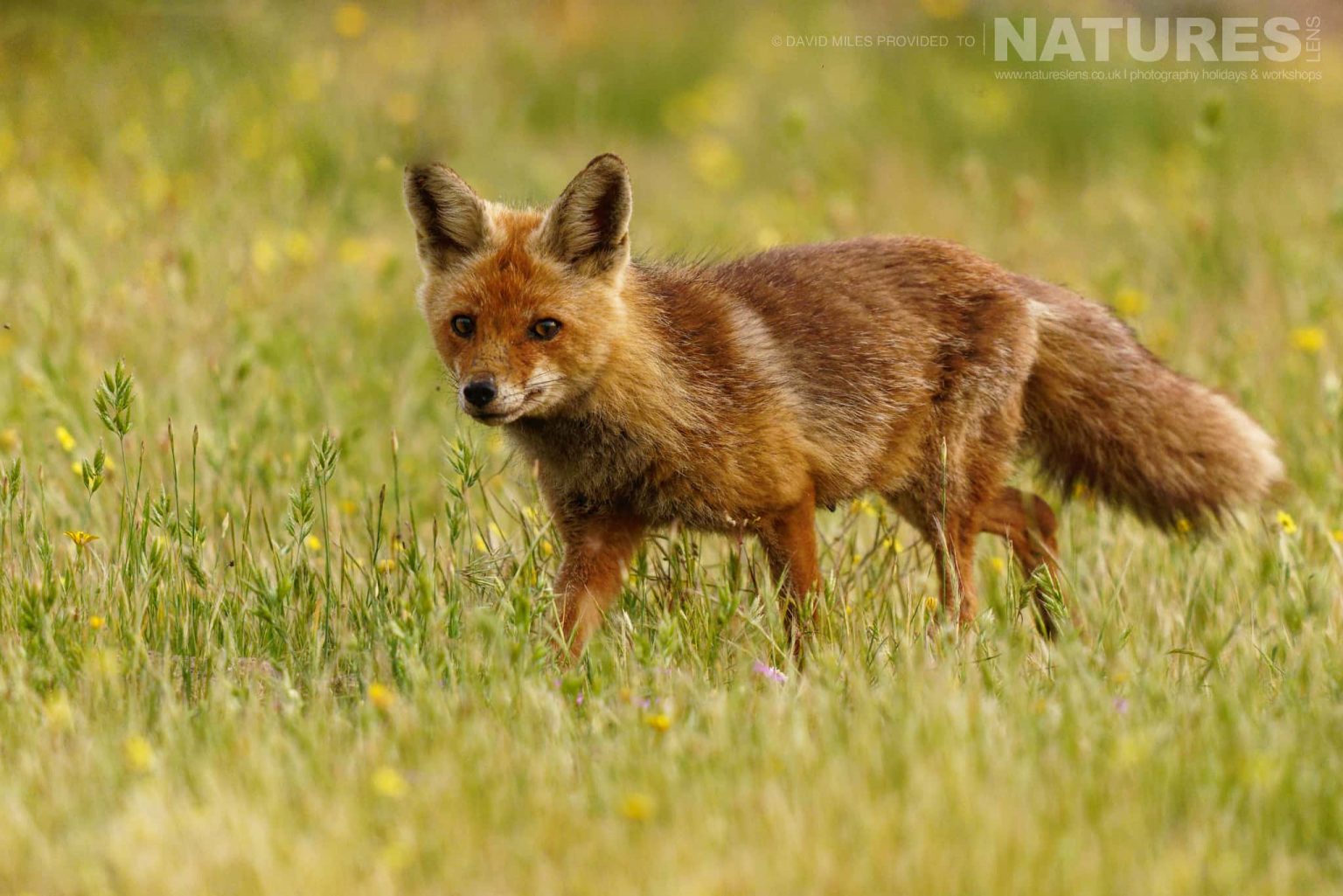
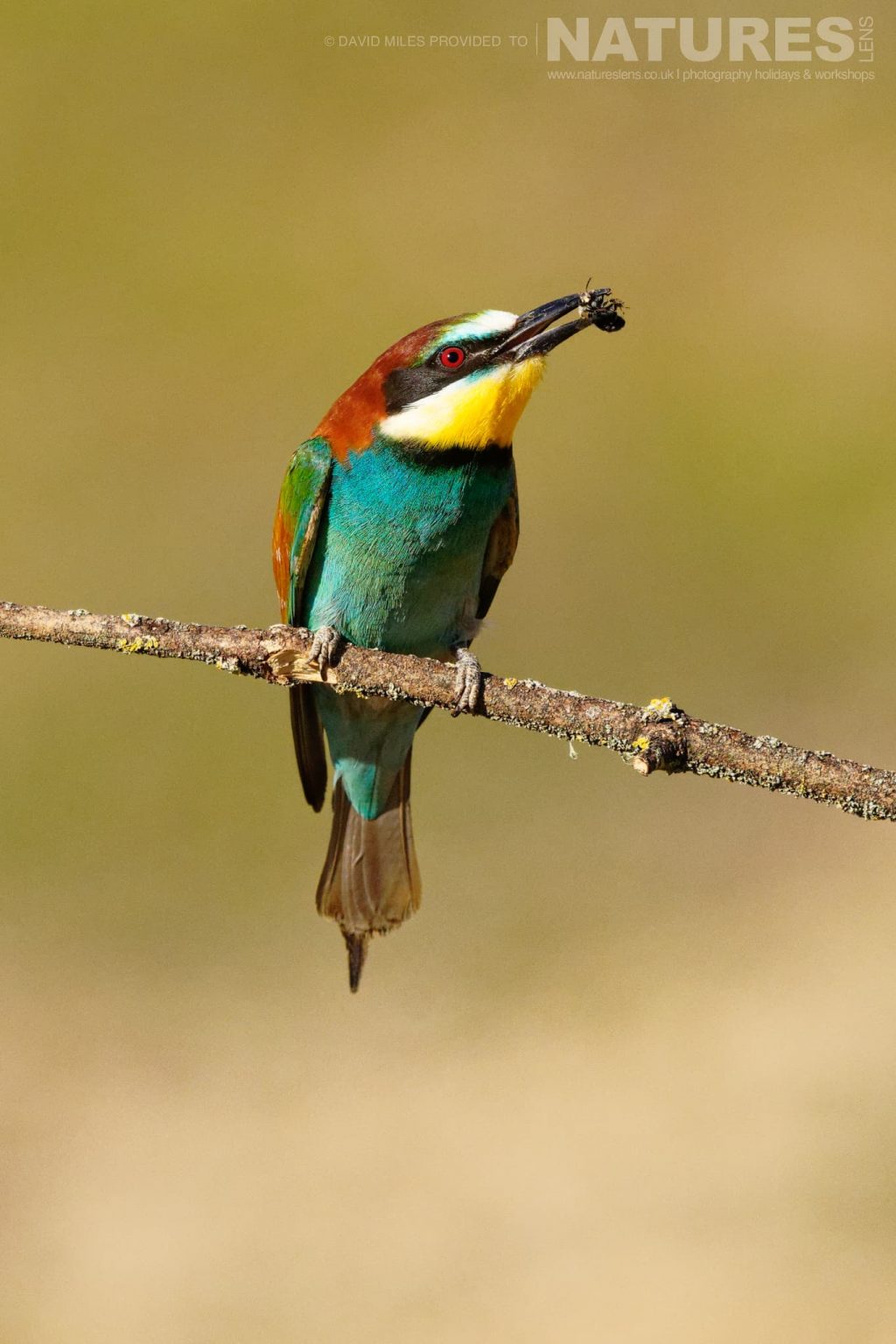
Whole on a blurred backdrop (default)
Same grid. Portraits pass the 30 percent limit, so they are shown whole over a blurred, enlarged copy of themselves. Landscapes still fill their cell.
Whole on a plain background
Same grid, with a plain backdrop instead of the blur.
Raising the limit: square cells, limit 30 percent
At 1:1 a 3:2 photo loses a third of its width, which is over the 30 percent limit, so every photo is shown whole on a backdrop.
Raising the limit: square cells, limit 45 percent
Same photos and cells. A third is now under the limit, so every photo is cropped to the square.